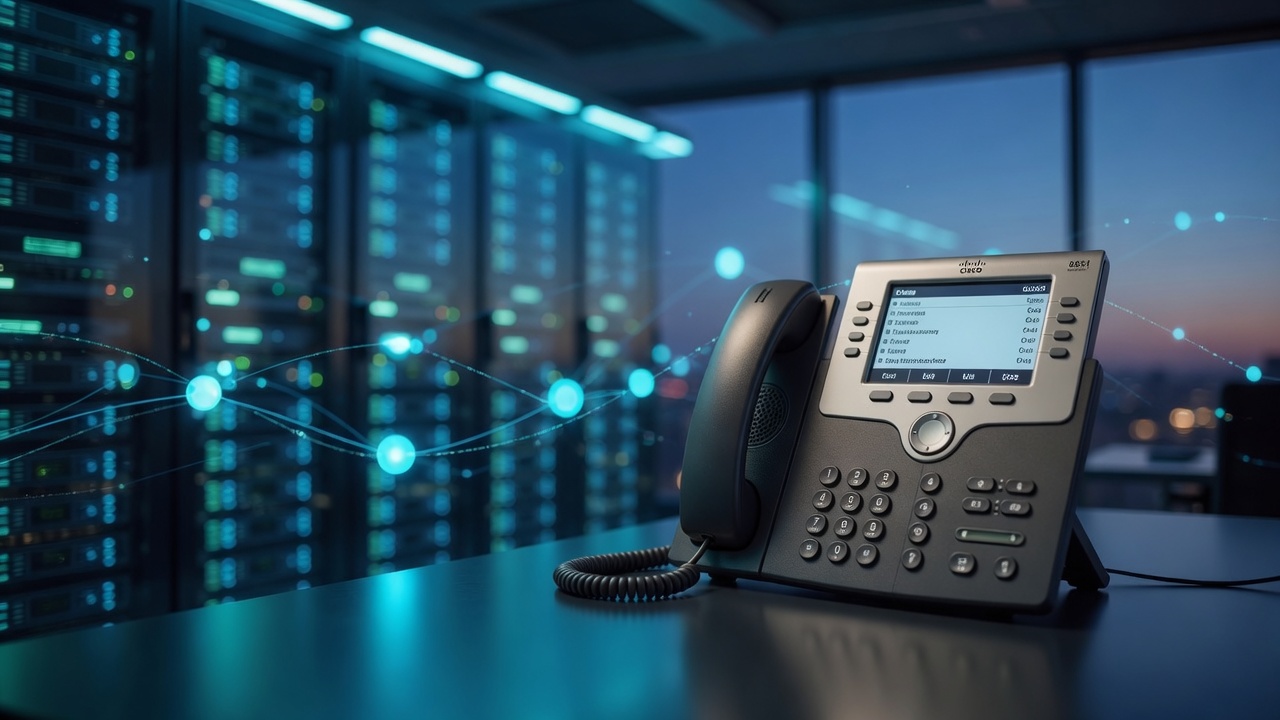
Demo: Cisco CP-8851-3PCC (field path)
This page is a field demo — the path we verified end-to-end so you can copy it with LightningArrows Voice. Not a public open relay.
Live stack (field-proven pattern)
| Layer | Pattern |
|---|---|
| Handset | Cisco CP-8851-3PCC · firmware family sip88xx MPP |
| LAN | Static or reserved DHCP (example: 192.168.x.y / your mask / your gateway) |
| Unlock | Enterprise → MPP with E2M license (L-CP-E2M-88XX-CNV=) when needed |
| SIP | Desk extension registered to LightningArrows Voice (SIP/PJSIP) |
| PSTN | DID + trunk on the LA wholesale path |
| Optional inbound | Google Voice (or cell) forward to DID after SMS verify on the DID |
| UI | Full-screen Download Picture wallpaper (HTTPS JPEG/PNG) |
| Status | Registered, two-way audio, picture download Succeeded |
Hardware
| Field | Demo unit |
|---|---|
| Model | Cisco CP-8851-3PCC (MPP / multiplatform) |
| Product string after unlock | Status shows 3PCC (not enterprise-only) |
| MAC / serial | Sticker + Status page (needed for E2M and provision) |
| Role | Desk phone on residential Ethernet (PoE or brick) |
Why 3PCC/MPP? Enterprise “CUCM-only” firmware is a closed world. Multiplatform is the 2026 way to bolt a Cisco into a standard SIP cloud PBX.
If your set is still enterprise firmware:
Enterprise → MPP · E2M field path.
Network (copy this pattern)
| Field | Example shape | Your value |
|---|---|---|
| Connection | Static IP or DHCP reservation | Same idea |
| IP | 192.168.x.y |
Free address on your LAN |
| Subnet mask | 255.255.255.0 |
Match your LAN |
| Gateway | 192.168.x.1 |
Your router |
| DNS | Router + optional public backup | Prefer router first |
On the phone
- Ethernet into Network/SW (PoE switch, injector, or power brick).
- Optional: Mac/PC into the PC port on the back of the phone.
- Settings → status → note IPv4.
- Same-LAN browser:
https://PHONE_IP(accept the certificate). - Admin login (set a strong password on first setup).
Field path (ordered)
[1] Network OK              Static/DHCP + web UI opens
[2] MPP firmware            Already 3PCC — or run E2M unlock
[3] Order Desk Voice        $7.75/mo = $0.25/day
[4] SIP / provision         Proxy + user/pass  OR  Profile Rule HTTPS
[5] Status = Registered     Line registered to PBX
[6] PSTN / DID              Inbound + outbound (provider path)
[7] Optional GV forward     Google Voice → DID (SMS confirm on DID)
[8] Wallpaper               Phone Background + Screensaver = Download Picture
[9] Test calls              Mobile ↔ desk, hold 2+ minutes
Google Voice alone does not complete step 5. It is a forward/port source, not a SIP registrar for Cisco.
E2M unlock (only if still enterprise)
When the phone asks for a migration / transition license:
- Purchase Convert 8800 series Enterprise → MPP (
L-CP-E2M-88XX-CNV=). - Get the
.licfor your MAC (Cisco LRP / Cloudupgrader path). - Host it on HTTPS (or temporary LAN HTTP) and set Transition Authorization Rule / apply via resync.
- Confirm Status product name is 3PCC and Transition Authorization Succeeded.
Full notes: E2M field path.
SIP registration (what actually worked)
Typical Ext 1 fields (labels vary slightly by load):
| Field | Meaning |
|---|---|
| Proxy / Outbound Proxy | SIP registrar host/IP from LightningArrows (not the website URL) |
| User ID / Auth ID | Extension from your order sheet |
| Password | SIP secret from your order sheet |
| Display Name | Label you want on the handset |
| Line Enable / Register | Yes |
Or set Provisioning → Profile Rule to the HTTPS phone.xml URL we issue after order (config only — never paste that into Proxy).
Save → reboot if asked → Status / Line = Registered.
Google Voice (optional inbound path)
- Get a DID on the Voice order (or existing DID).
- In Google Voice, forward calls to that DID.
- GV sends a verification SMS to the DID — retrieve the code via your Voice SMS path / order tools, enter it in GV.
- Place a test call from a mobile into the GV number → desk rings.
Do not rely on unofficial “GV SIP gateways.” Forward or port only.
Wallpaper / screensaver (looks pro, not a white screen)
Cisco 8851-3PCC uses one full-screen download slot for both background and screensaver:
| Setting | Value |
|---|---|
| Phone Background | Download Picture |
| Screen Saver Type | Download Picture (not Logo — Logo is tiny) |
| Picture Download URL | https://…/your-image.jpg (public HTTPS, correct image/jpeg MIME) |
| Screen Saver Enable | Yes |
| Refresh period | 60–120s if you rotate images server-side |
Image tips
- Target 800×480 JPEG for full-screen.
- Host on HTTPS (e.g. under your provision host).
- After changing the image file, the phone must re-download (screensaver refresh, resync, or power cycle).
- Example: host
https://YOUR_HOST/…/phone-background.jpgand confirm Picture Download Status = Succeeded.
Consumer checklist
- Phone has LAN IP; web UI opens
- Firmware is 3PCC/MPP (E2M done if it started enterprise)
- MAC recorded
- Desk Voice (or Office) ordered
- SIP fields or Profile Rule applied
- Status Registered
- e911 / service address submitted when asked
- Inbound DID rings; outbound reaches a mobile
- Wallpaper set (optional but recommended)
What this demo proves
- Mid-age Cisco multiplatform handsets are still excellent hardware.
- A normal consumer router is enough for the LAN side.
- Enterprise sets are salvageable with a proper E2M license.
- Google Voice can feed the desk via forward — it is not the SIP engine.
- Wallpapers and branding work once HTTPS picture download is correct.
- LightningArrows packages the seat at $0.25/day class pricing.
Order the same class of service
Add Desk Voice — $7.75/mo = $0.25/day →
Related:
Field path documented for LightningArrows Inc. customers. Configure only phones you own.