Virtual Desktop on LightningArrows Cloud
Introduction
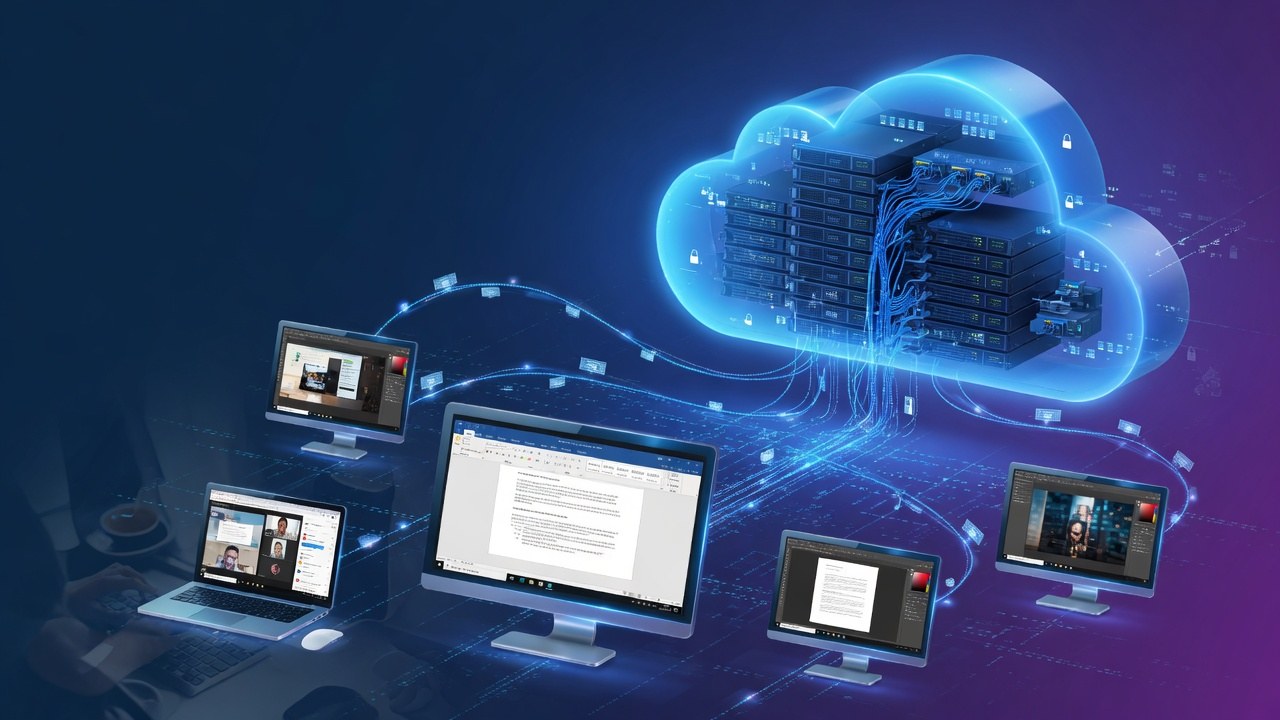
A virtual desktop (VDI / cloud desktop) runs a full desktop operating system in the data center and streams it to users’ devices. Staff get a consistent workspace; data can stay on the server side rather than on every laptop.
LightningArrows cloud virtual desktops are built on GPU-optional and CPU/RAM-rich instances suitable for Windows or Linux desktop images where remote work and controlled environments matter.
How it helps
How virtual desktops help
- Standardize workspaces across teams and locations
- Improve data control by keeping files and apps in the cloud
- Support remote and hybrid work without shipping physical PCs
- Onboard faster with cloneable desktop images
- Separate personal devices from corporate systems for cleaner security posture
Virtual desktops turn “bring your own device” into bring your own screen—with the real PC in the cloud.
Why LightningArrows offers virtual desktop cloud
Work is distributed, but standards and security still matter. We offer cloud servers for virtual desktop use cases so organizations can enable people without losing control of systems. It is another way we make professional infrastructure accessible under the LightningArrows brand.
Ready to deploy?
Configure a cloud server → · View pricing · Contact us
Part of LightningArrows Cloud Servers — high-performance infrastructure without enterprise lock-in.